Timeline
Sep '25 - Dec '25
Role
Senior UX Researcher
Deliverables
Information Architecture · Service Design
Design by Accretion
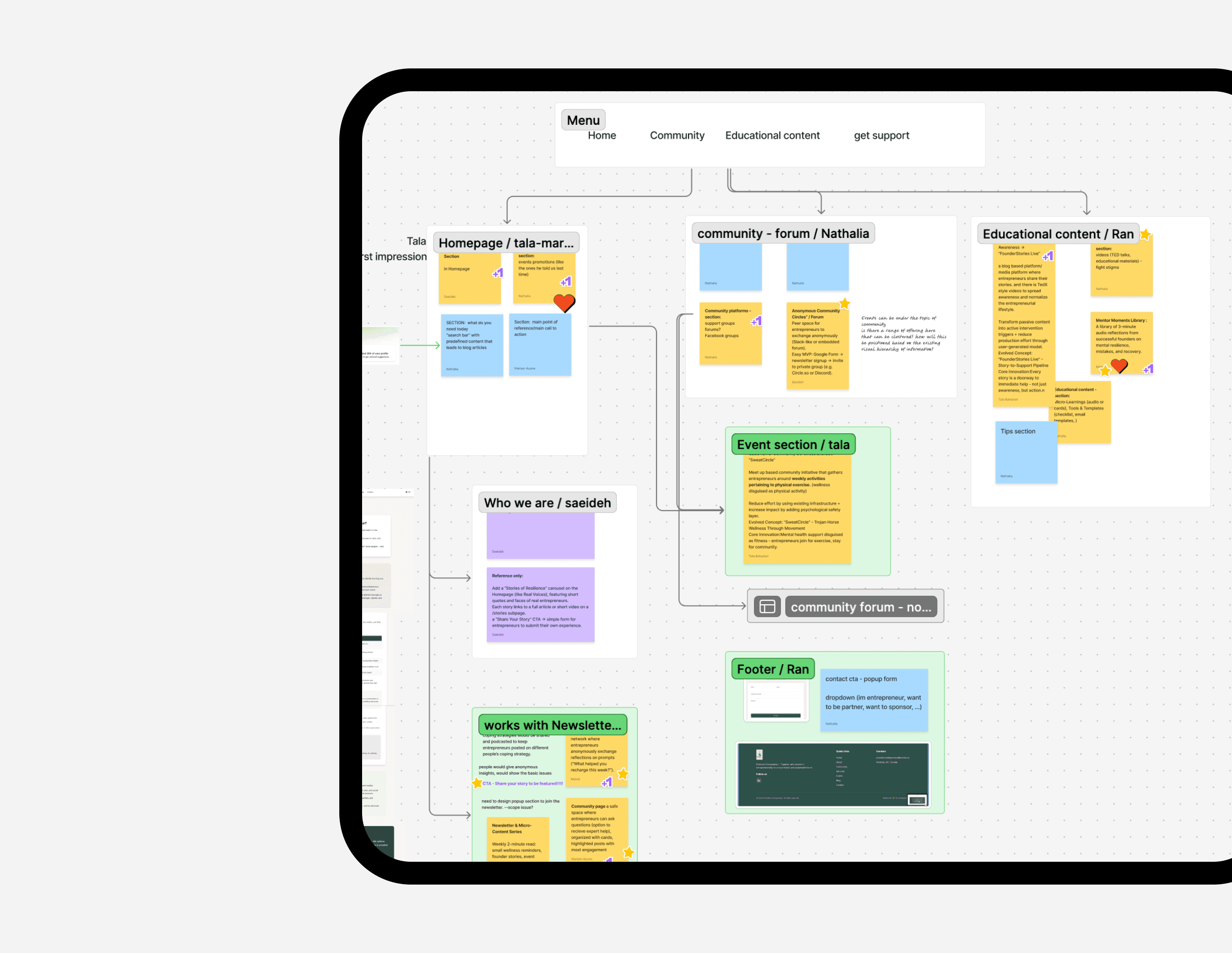
ProAction is a support community for entrepreneurs. Over years of growth, ProAction accumulated services, programs, events, blog posts, partner content, volunteer initiatives, and multiple “ways to get help.” The website became a reflection of the organization's internal structure, not the user’s lived journey. Our goal is making help easy to reach: fewer steps, clearer choices, and support that shows up before burnout does.
Kickoff
Picking Up the Pieces
I'm proud of this project because we are a team of 6 UX professionals, and we had full scope of the Double Diamond process. At the outset, we lacked a clear understanding of how entrepreneurs actually found support online. So we started by exploring how founders look for help.
01 Phase 1 — Early Insights From the Field
We discovered that most founders struggled not with finding support; they also described themselves as “fine” right until the moment they weren’t. Their stress built quietly.
02 Phase 2 — The Discovery
Expectations Have Changed: Most entrepreneurs expected a support experience that just works. Not because they’re impatient, but because they’re exhausted. Our curiosity revealed a deeper opportunity: to rebuild ProAction’s front door around how people feel, not what the organisation offers.
03 Phase 3 — Deeper Insights
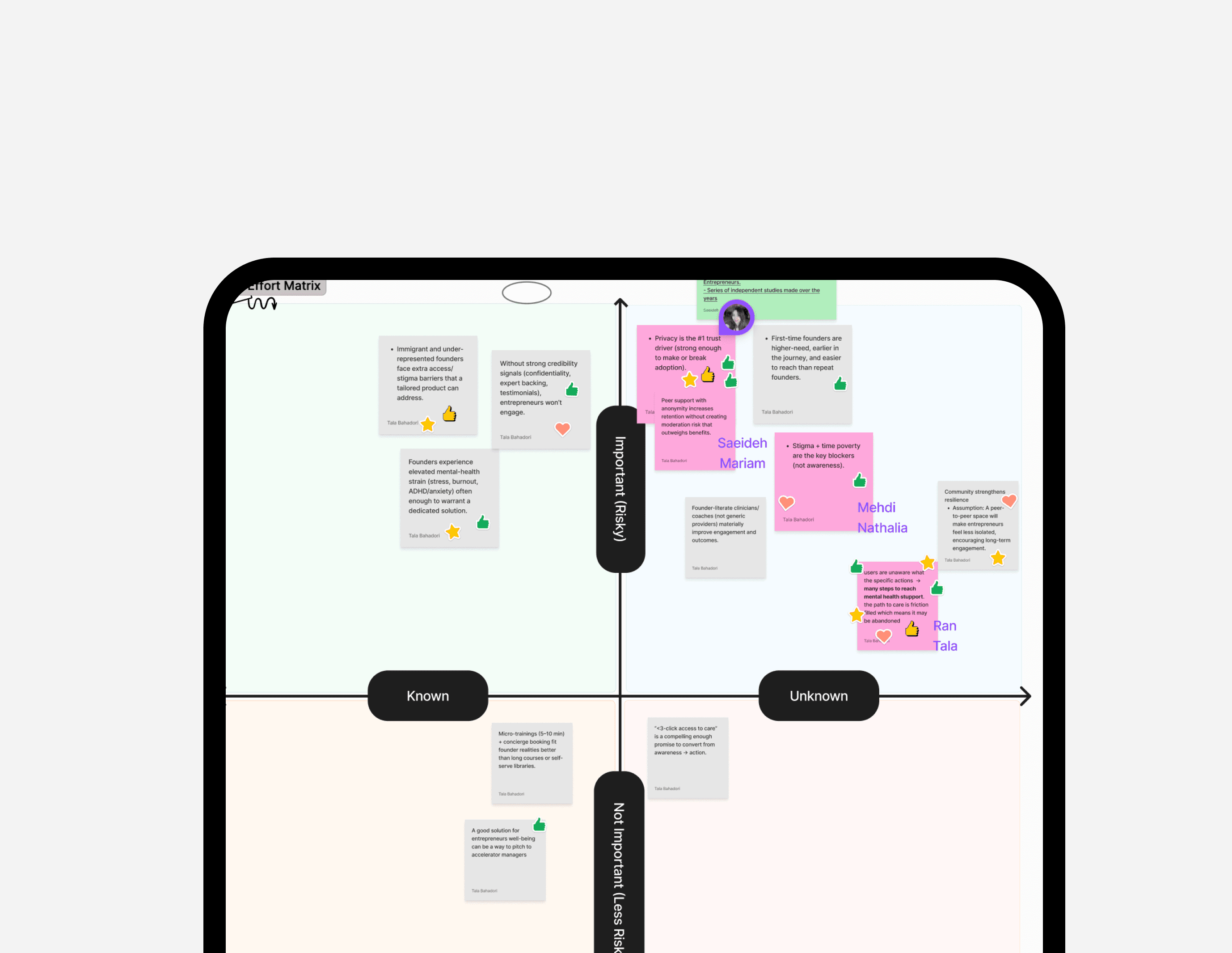
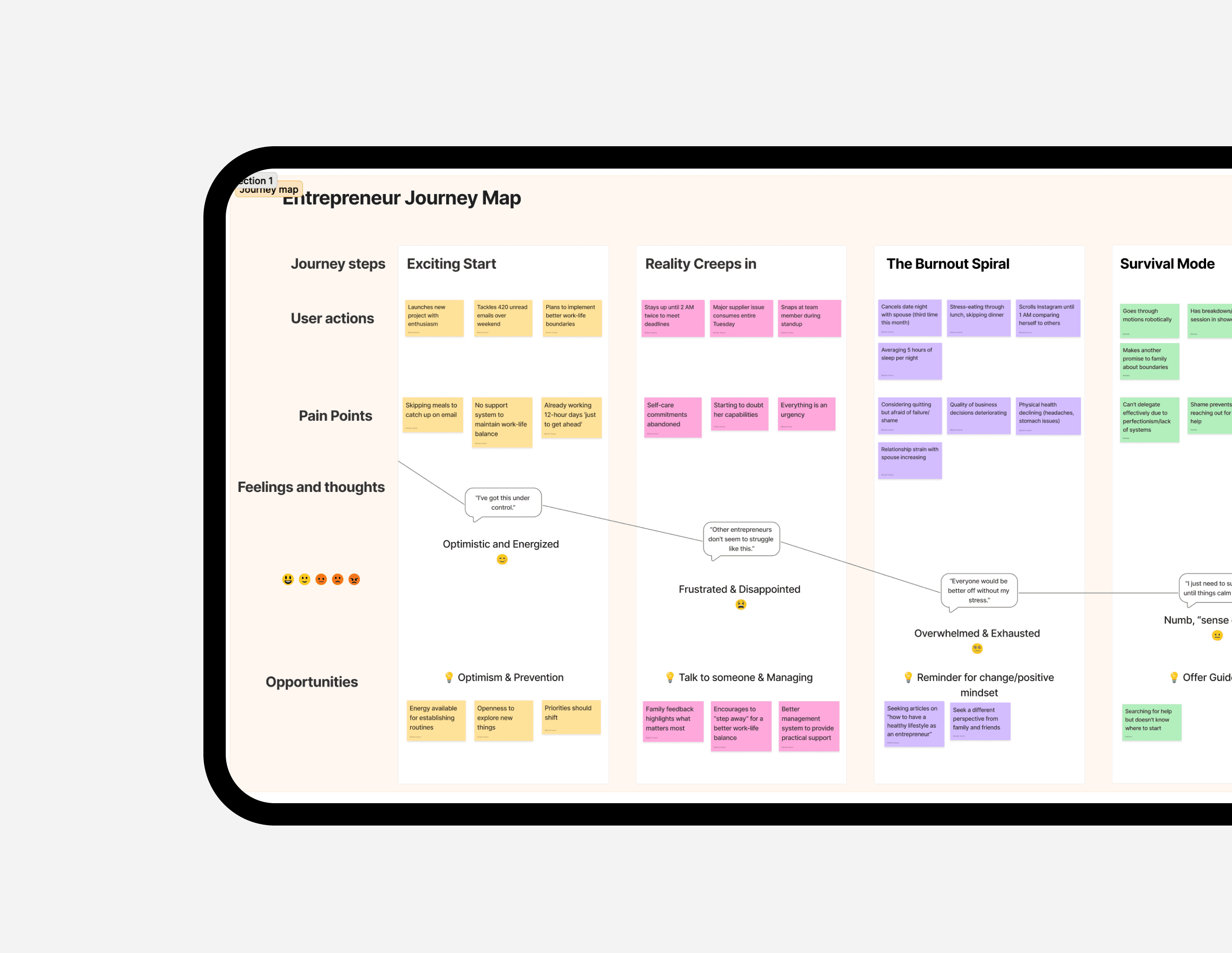
Working Backwards From “What I Need Right Now” Before sketching solutions, we needed to understand what “a good first step” looks like at moments of stress.We mapped the founder emotional journey
Reframing the Problem
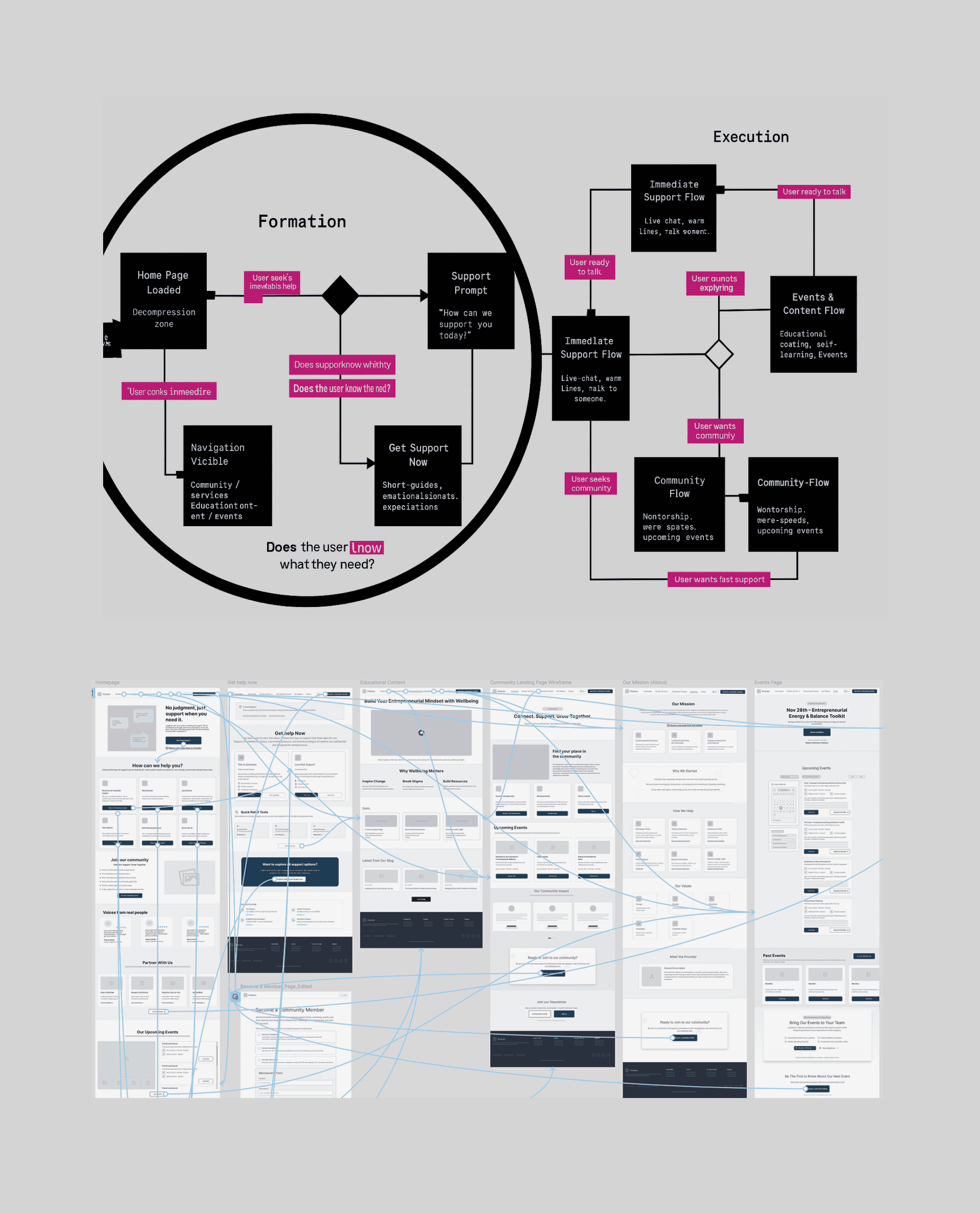
The original site tried to present everything ProAction offered — events, coaching, crisis lines, peer groups, courses, blogs. All with equal weight.
User research
results & findings
Understanding why founders don’t get help, even when they need it most. Our research combined observation, benchmarking, and deep conversations with founders.
01 Watching where people hesitate
We began by observing how entrepreneurs interact with ProAction today, where they clicked, what they scanned, and when they paused.
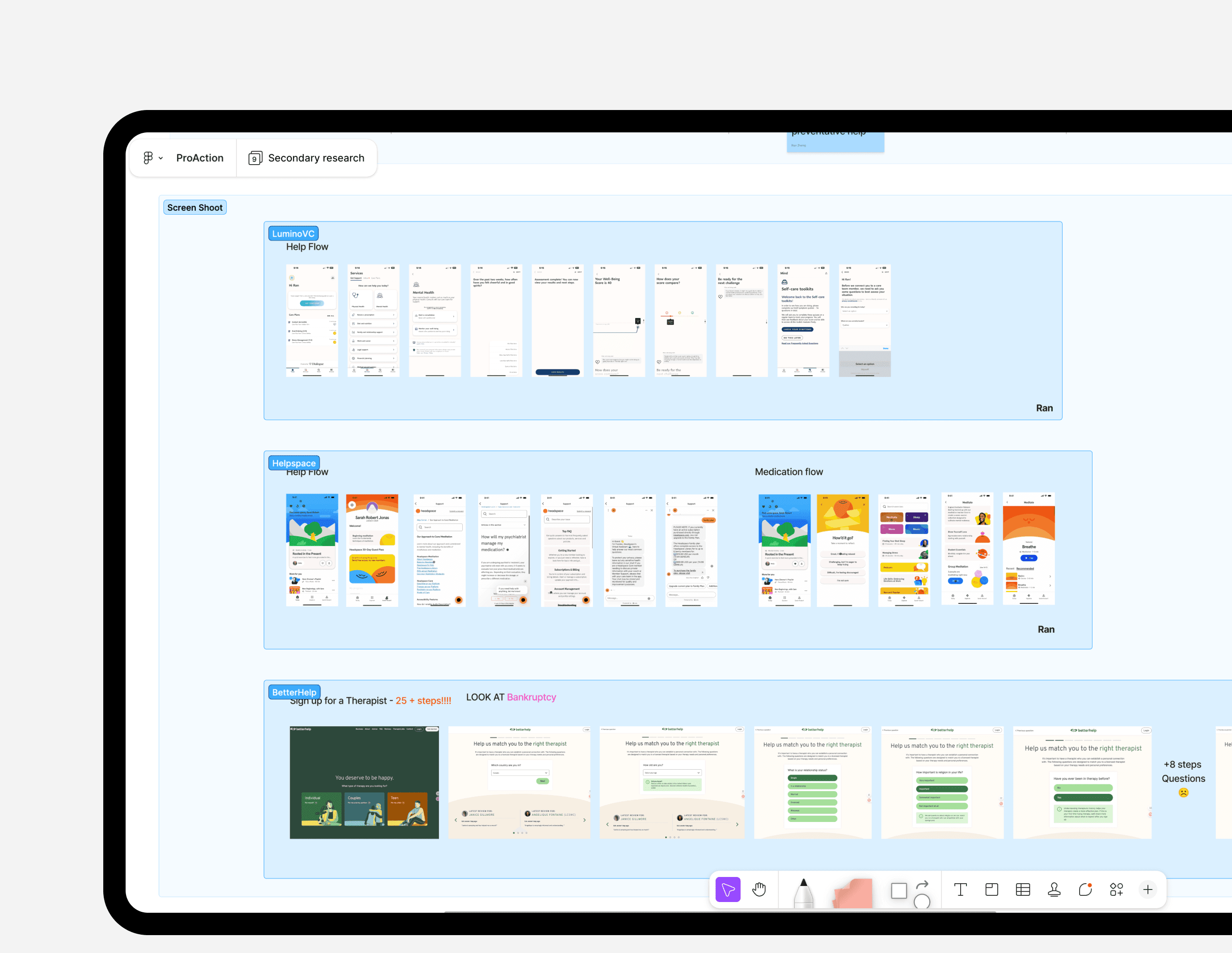
02 Competitor Analysis
We benchmarked mental-health and entrepreneur-support platforms. Across the board, 3 patterns has discovered. Too many steps before you can access real help. High cognitive load on people already overloaded. Long pages and unclear value until halfway down
03 Primary Research (53 Responses + Interviews)
We collected 53 survey responses and ran interviews with founders, mentors, and community members. The primary result is: 85% want quick, easy access to support.
Applying a Deeper Lens to the Problem
If the perfect support experience existed, what would the first 30 seconds of it feel like?
✅ How do you design for founders in different emotional ✅ What contexts shape their ability to seek help? ✅ What does the “perfect first step” look like?
Before creating solutions, we had to understand the range of challenges — not just demographic, but emotional and situational. Above is the three questions guided our strategy.
Solution 01
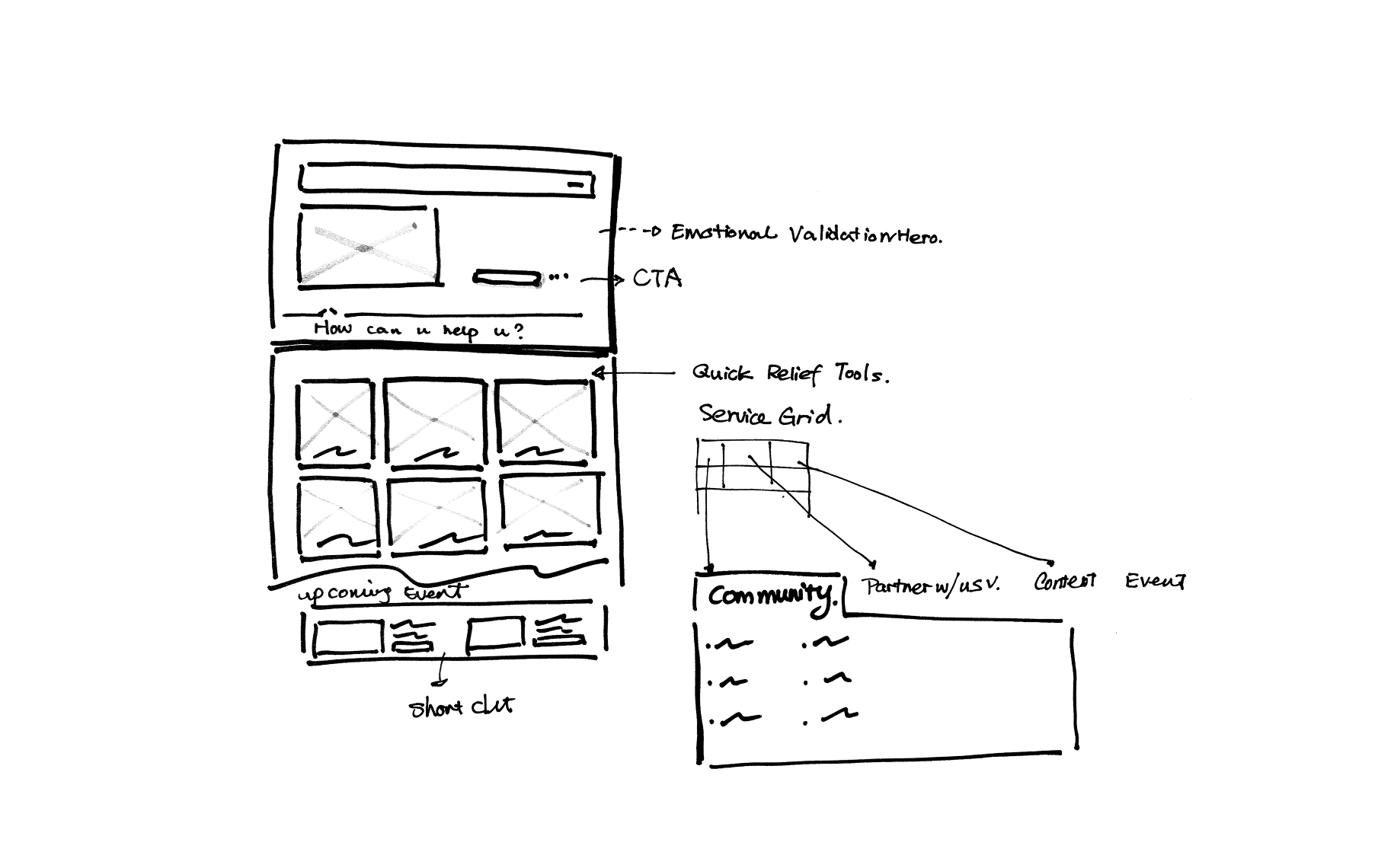
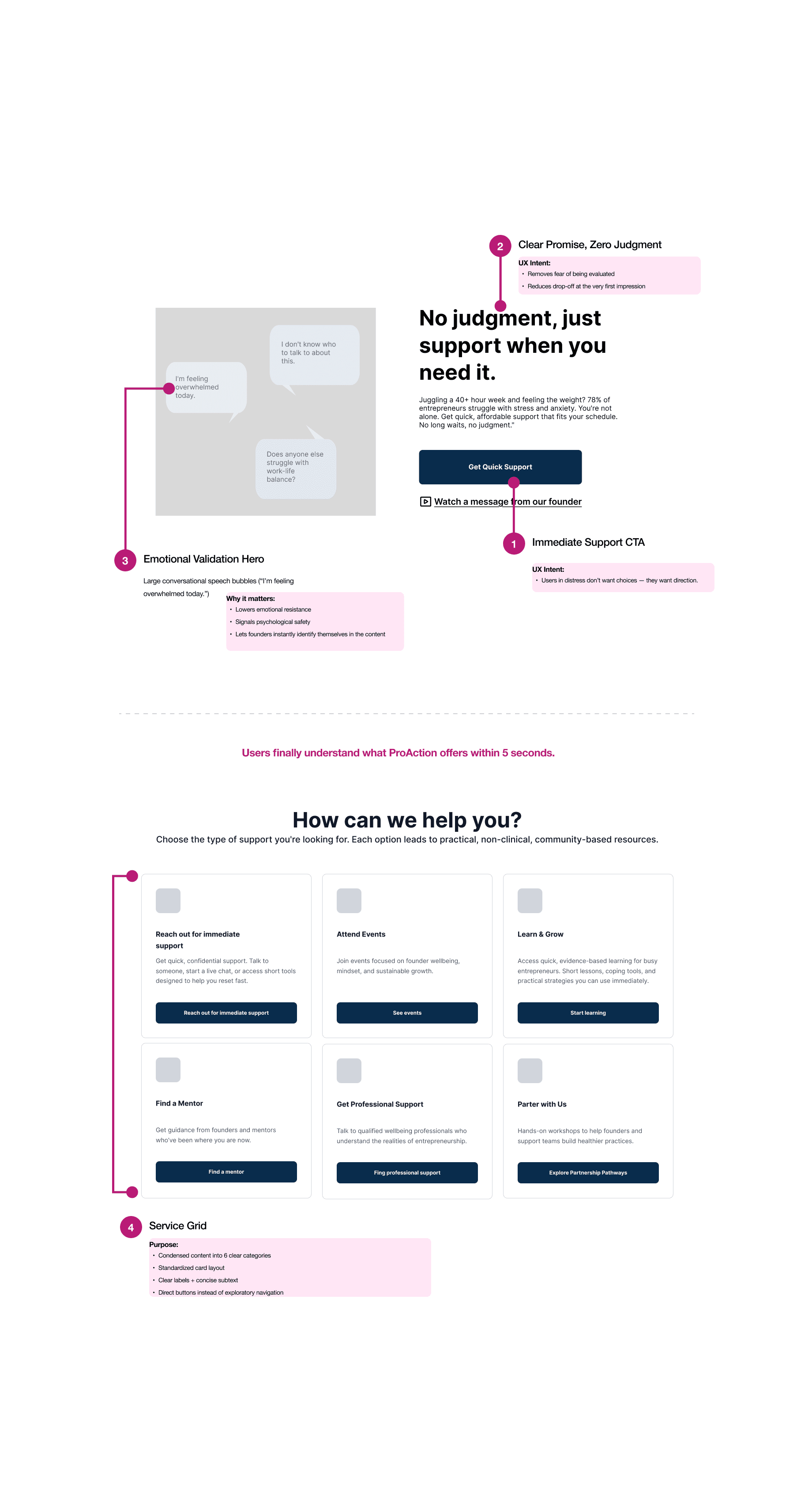
Soft, Access homepage
A calm, clear starting point that removes noise and builds safety.
What we discovered: Users were getting lost in the old homepage. Mixed content, multiple CTAs, and unclear pathways led to 8+ minutes of browsing with no action taken.
Solution 02
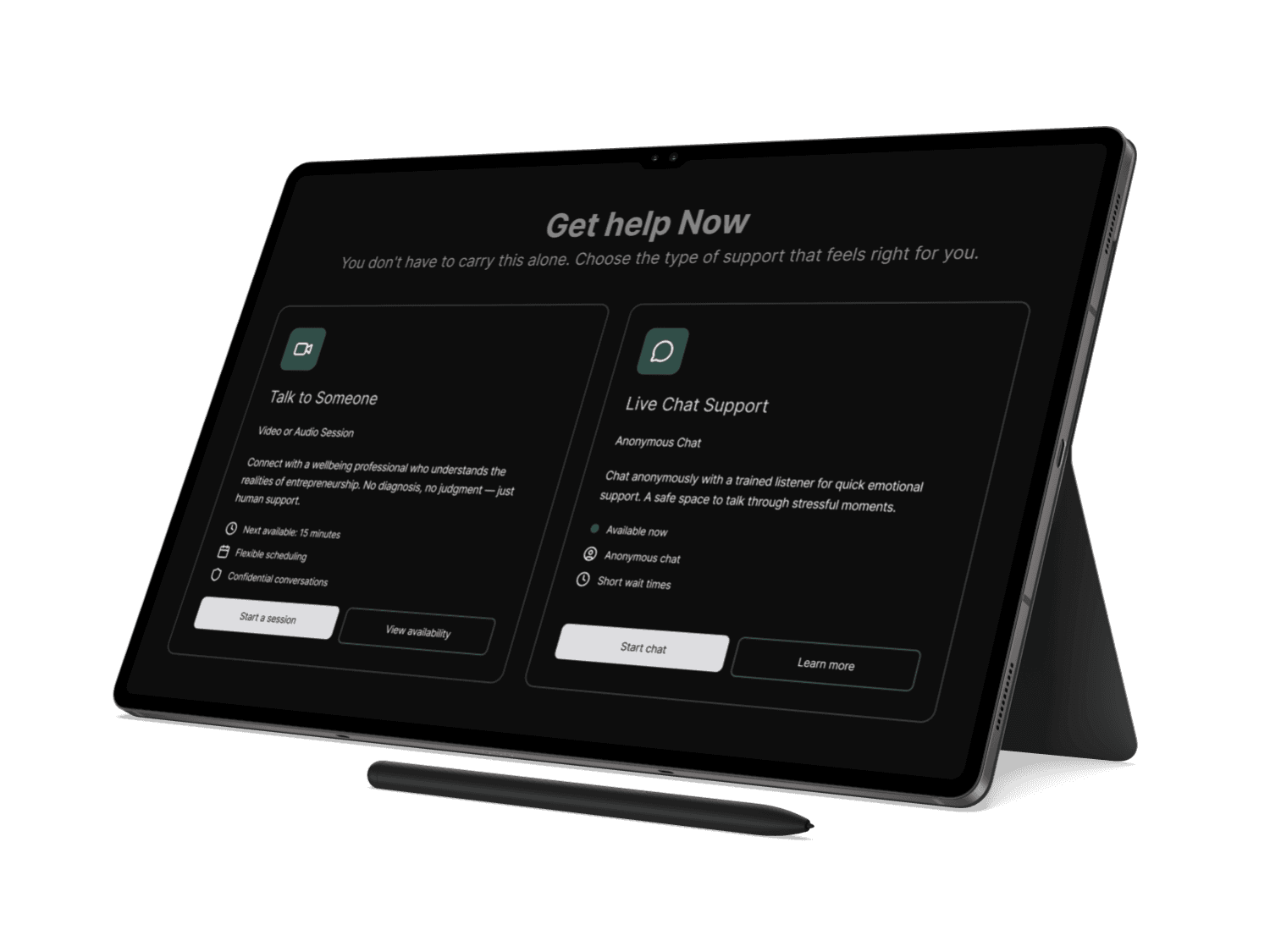
The Immediate Help Page
The fastest route to real support.
What we discovered: Users in distress don’t scan navigation menus. They go into “where do I click first?” mode. The old design buried urgent support behind overlapping labels (“Services,” “Get Support,” “Support Pathway”) causing hesitation exactly when speed matters.
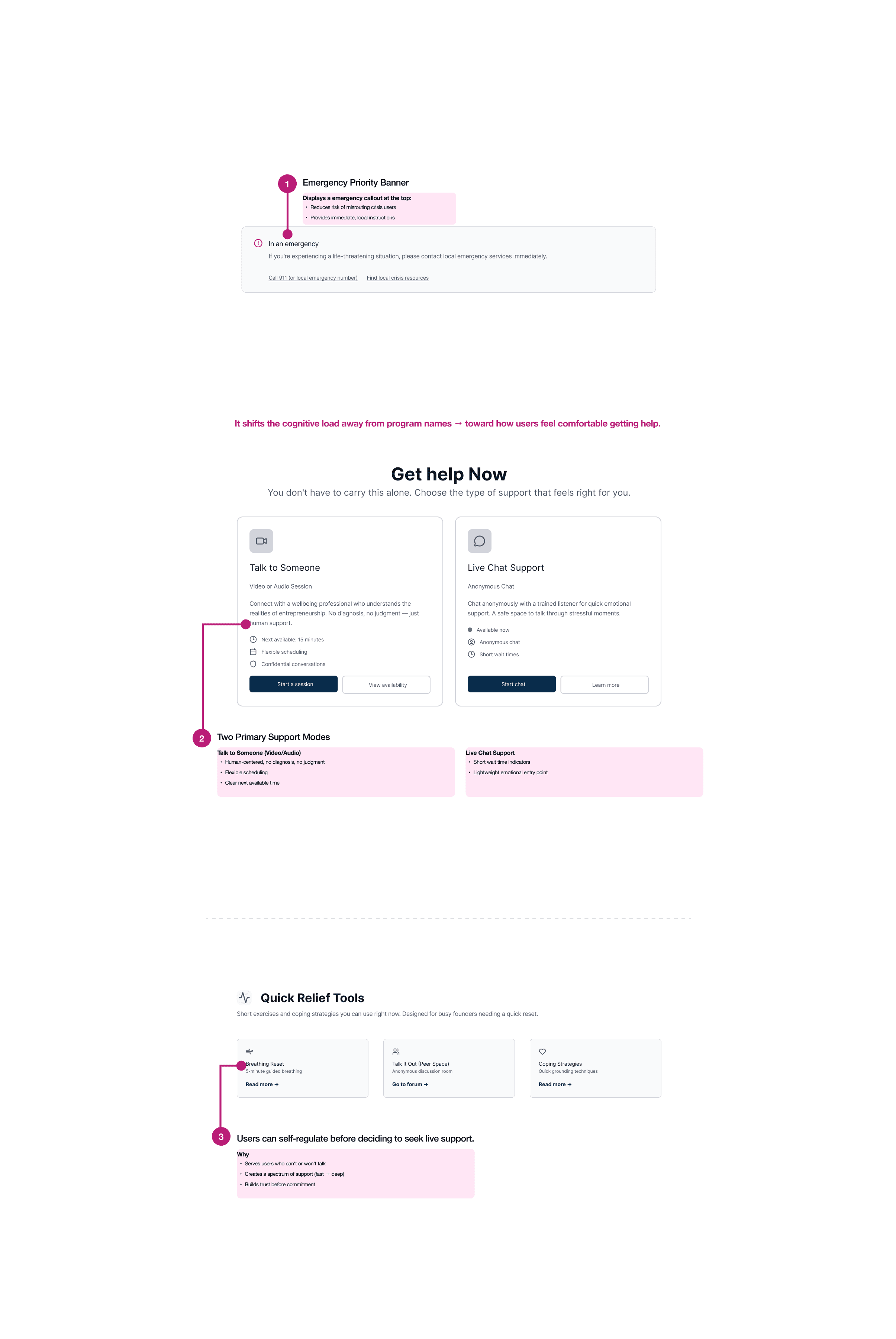
Final designs and coded prototype
With that, here is the prototype hosted on netlify. We also did 8 usability tests with this prototype to determine the design's effectiveness